
eLink™ fixtures / How the software works
How the eLink™ operator GUI works
Six steps, from opening the fixture to reading the record it keeps for every unit. Every screen below is from the live demo, which you can run yourself further down the page.
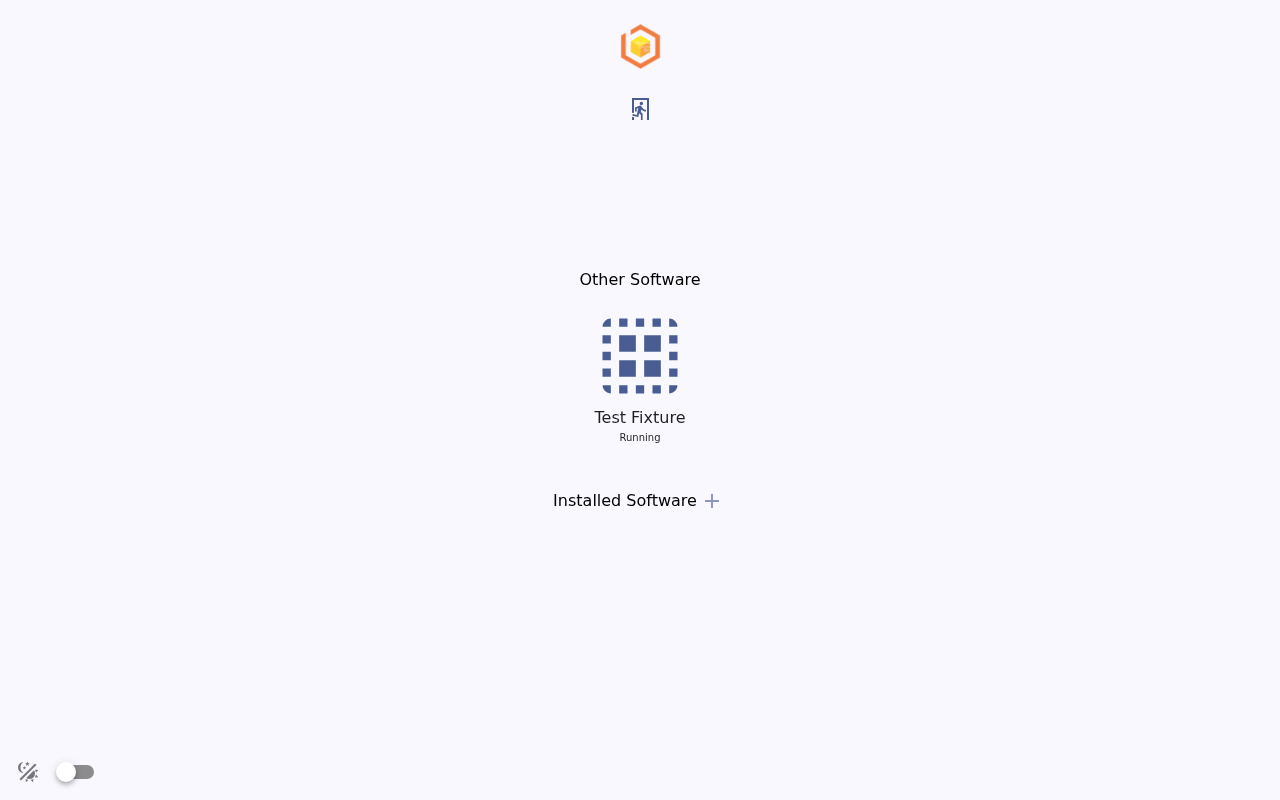
- 1Test Fixture is the test runner software, shown here as running.
- 2Other software installed on the fixture is listed here.
Try it yourself
Press Login (no user or password), open Test Fixture, and press Start.
What the demo does not show
Simulated hardware
The demo runs without a fixture attached, so its measurements are generated. It shows how a cycle runs and what gets recorded, not how a particular test performs.
An example sequence
The demo's power, rail, firmware, and RF steps are an example. Your fixture runs the procedures written for your DUT, and RF testing is design-package work.
Your fixture, configured
On a delivered fixture, the screens, flows, and limits are set up for your product and your line.
Want to see it on your DUT?
Tell us what your board needs to be tested for.